HI there!
In DWA I can see simple OLE objects, like jpg pictures. But if content is like a diagram, which could be opened in MS Word, and WORD is loaded to edit diagram in native DOORS client, I can't see this diagram in DWA. Just does not appear.
Is there a way to fix it somehow? vkuzmychov - Fri Oct 02 08:44:38 EDT 2015 |
Re: OLE content in DWA What version of DWA are you using ? And screenshot of the problem will be helpful ! So OLE objects like doc or xls is not visible on DWA right? |
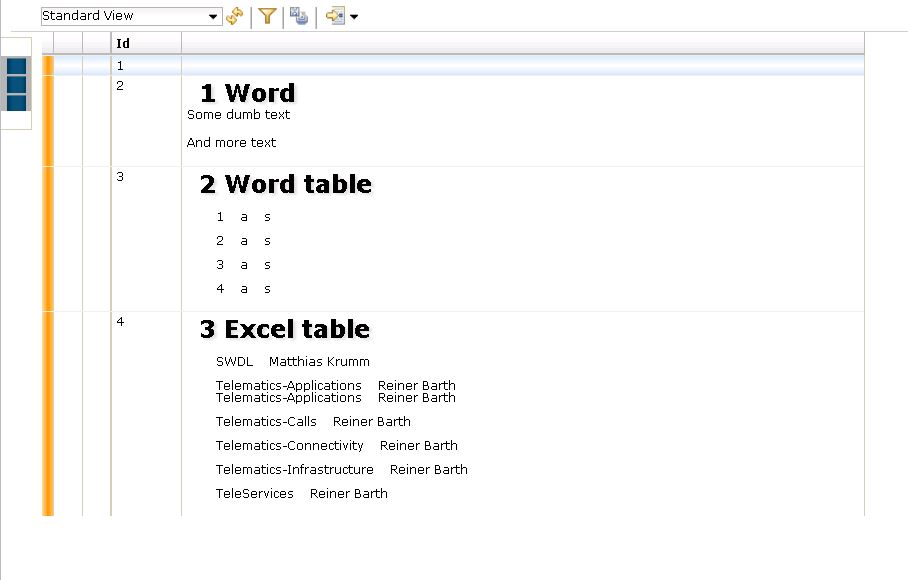
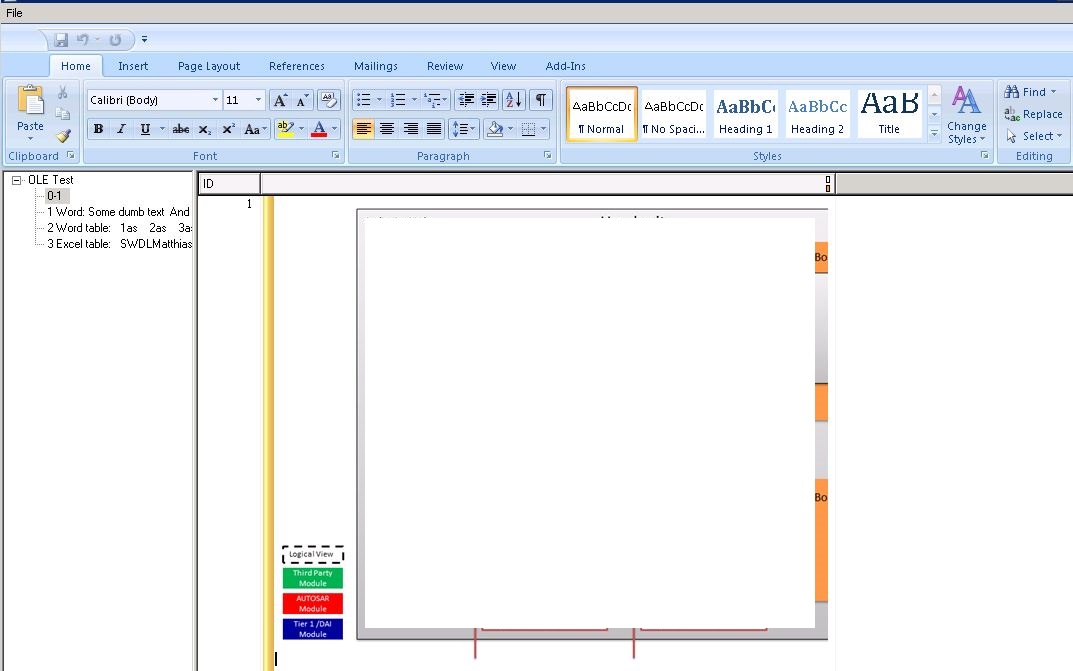
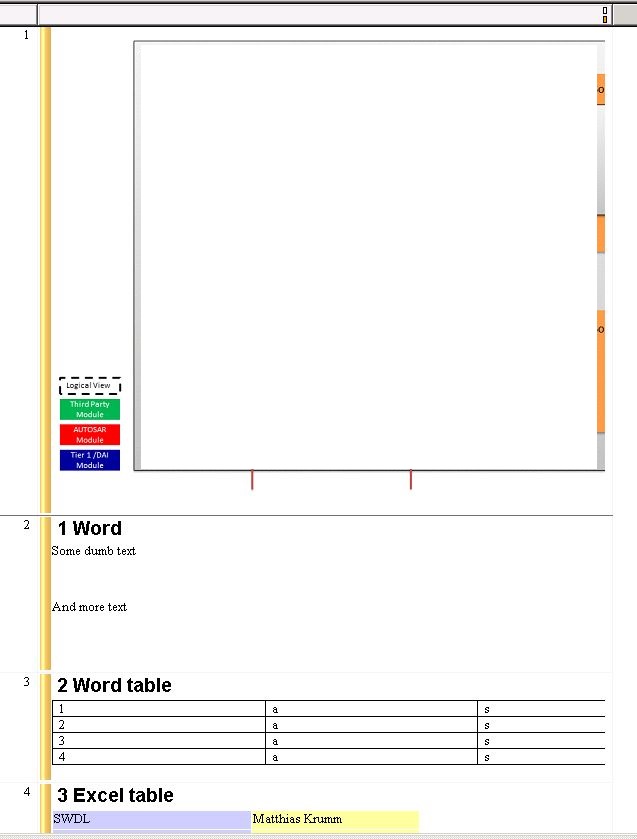
Re: OLE content in DWA So, here it is: Version 1.5.0.1 (Build 089)Version 1.5.0.1 (Build 089) There are 3 files Capture1.JPG - how the module looks like in DOORS native application Capture2.JPG - how the editing of OLE looks like Capture.JPG - how it looks like in DWA Attachments Capture.JPG Capture2.JPG Capture1.JPG |
Re: OLE content in DWA Can you see if restarting DWA component resolves the issue? If so, DCN command might not have been run correctly and resulted in newly inserted/edited OLE cannot be reflected while DWA is running. http://www-01.ibm.com/support/docview.wss?uid=swg21605202
|
Re: OLE content in DWA Pictures appear exactly as they are added. The issue is only with specific OLE objects. Could this still be the same issue as described? |
Re: OLE content in DWA vkuzmychov - Tue Oct 06 04:51:35 EDT 2015 Pictures appear exactly as they are added. The issue is only with specific OLE objects. Could this still be the same issue as described? Not sure, but you can try. Does this issue occur with the specific OLE? As in if you duplicate the OLE, does the same problem occur? |
Re: OLE content in DWA knobutan - Mon Oct 12 02:56:50 EDT 2015 Not sure, but you can try. Does this issue occur with the specific OLE? As in if you duplicate the OLE, does the same problem occur? It occurs for as many OLEs as I add, if they are not just pictures. On the screen shot it is seen, that tables from Word and Excel are also not rendered properly in DWA. I'll check if I can try proposed solution. |
Re: OLE content in DWA vkuzmychov - Mon Oct 12 04:48:02 EDT 2015 It occurs for as many OLEs as I add, if they are not just pictures. On the screen shot it is seen, that tables from Word and Excel are also not rendered properly in DWA. I'll check if I can try proposed solution. DWA 1.5.0.1 is pretty old. I would recommend trying the latest version of DWA. |
Re: OLE content in DWA kourosh - Tue Oct 13 13:03:21 EDT 2015 DWA 1.5.0.1 is pretty old. I would recommend trying the latest version of DWA. Thanks for you r reply(s)!
I have only one question: should it work in a different way? If I add a diagram from Word or Visio, should it be displayed properly in DWA? Can anyone confirm it works for him?
Thanks. |
Re: OLE content in DWA vkuzmychov - Thu Oct 15 03:13:20 EDT 2015 Thanks for you r reply(s)!
I have only one question: should it work in a different way? If I add a diagram from Word or Visio, should it be displayed properly in DWA? Can anyone confirm it works for him?
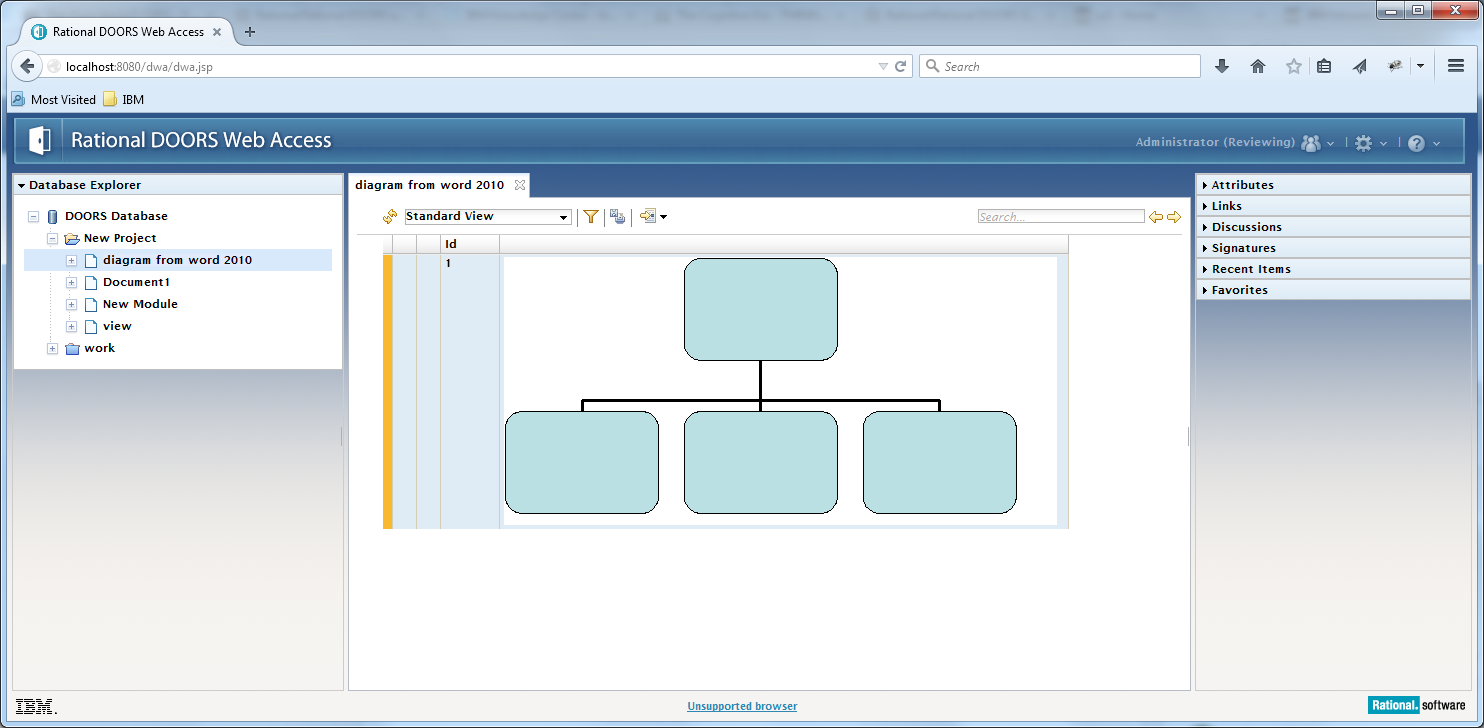
Thanks. I don't have Visio installed to test. But I tested adding an org chart in Word and you can see the results attached. This is in DWA 9.6.0.0. Attachments dwa.png |